F# : Hello World Console Application
Hey guys,
I am always exited to learn something new and hope you guys feel the same way. Today i am going to share as to how we can write a Hello World console application in F#. Hope you have VS 2010 installed.
- Go to File --> New Project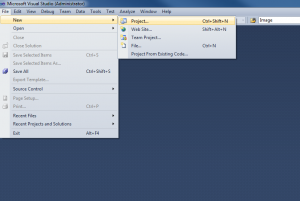
- Navigate to Other languages --> F# --> Windows --> F# Application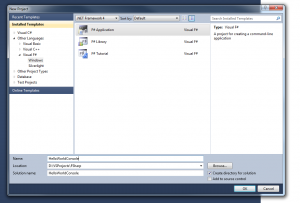
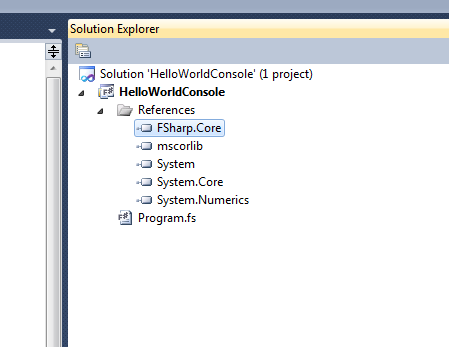
- If you open the references tab you could see a reference to FSharp.Core
- Now write the following code in program.fs file. You will see that i have added comments along all the lines to explain what each line does.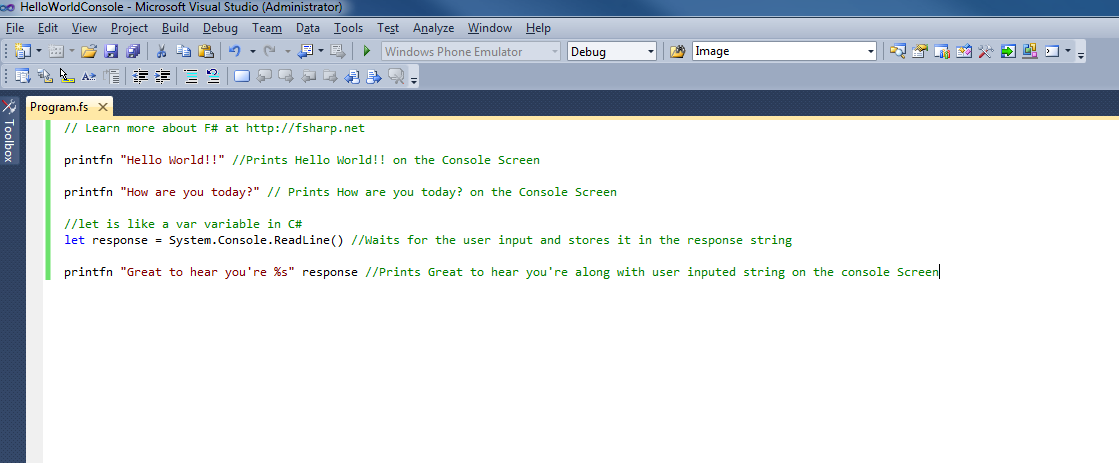
-Press control F5 and you would see the following screen
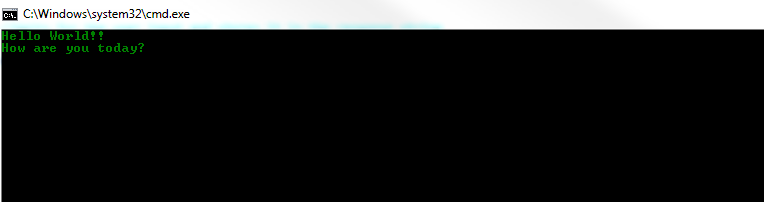
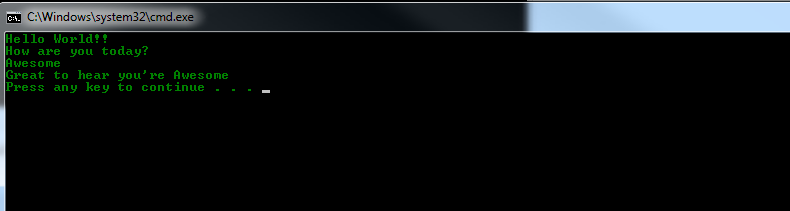
-Enter some text and press Enter Key and you would see the screen below:
Any comments, feedback or questions are more than welcome.